
What is the Best Free AI Interior Design Tool? 2026 Guide
Selecting the right AI interior design software requires balancing features with ease of use. We break down the current market for free and accessible design tools.
What is the Best Free AI Interior Design Tool? 2026 Guide
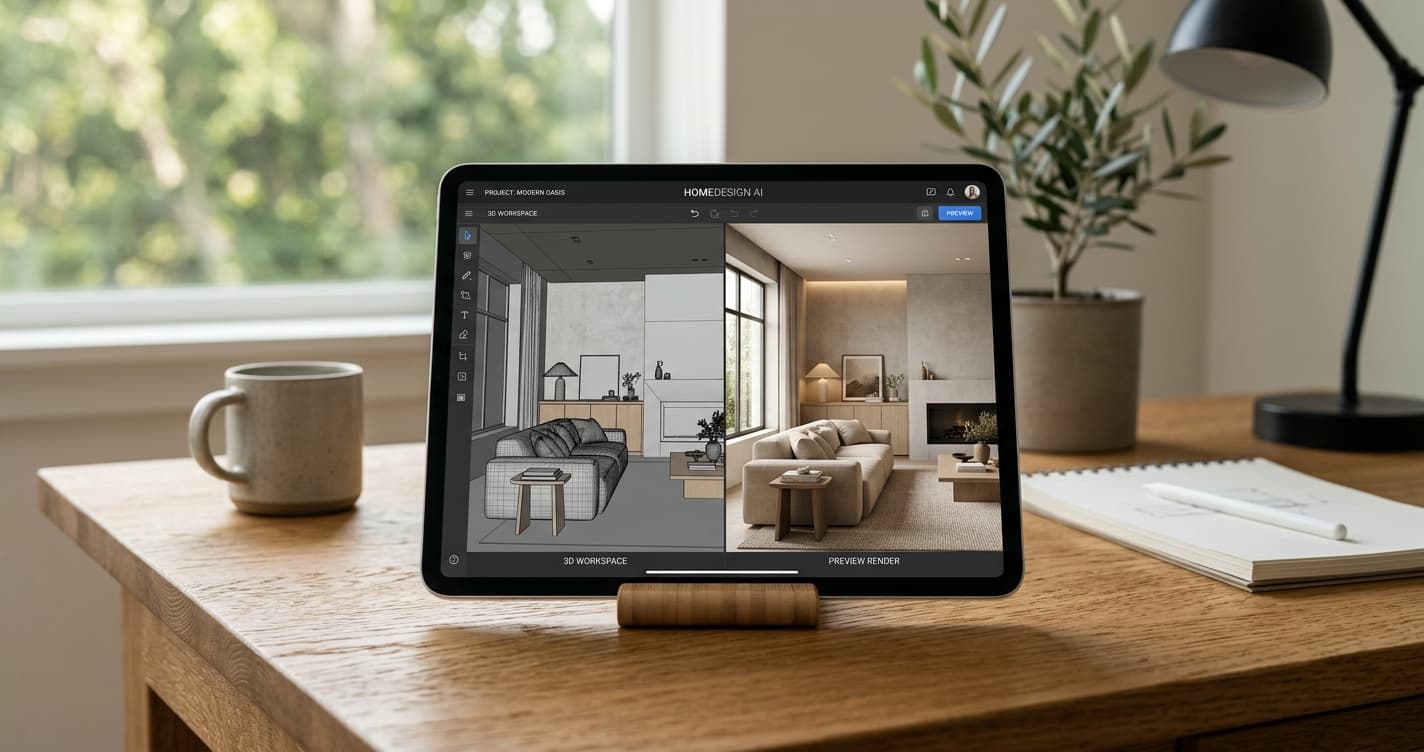
Planning a home update starts with a vision. Often, it is hard to explain this vision to contractors or visualize it on a blank wall. In 2026, AI design software has matured. These tools now help you test paint colors, furniture layouts, and architectural changes. If you want to know what is the best free AI interior design tool, your choice depends on your technical skills and your project scope. Learning how to use AI for interior design effectively can simplify your entire renovation process.
Table of Contents
Evaluating Free AI Design Tools
When searching for the best free AI interior design tool, prioritize platforms that offer high-resolution output. Look for tools that give you control over lighting and textures. Many tools use a "freemium" model. You get basic features for free, but you must pay for high-resolution exports or cloud storage.
Choose tools that keep perspective accurate. Distorted geometry leads to poor shopping decisions later. We recommend testing how well a tool handles your specific room dimensions.
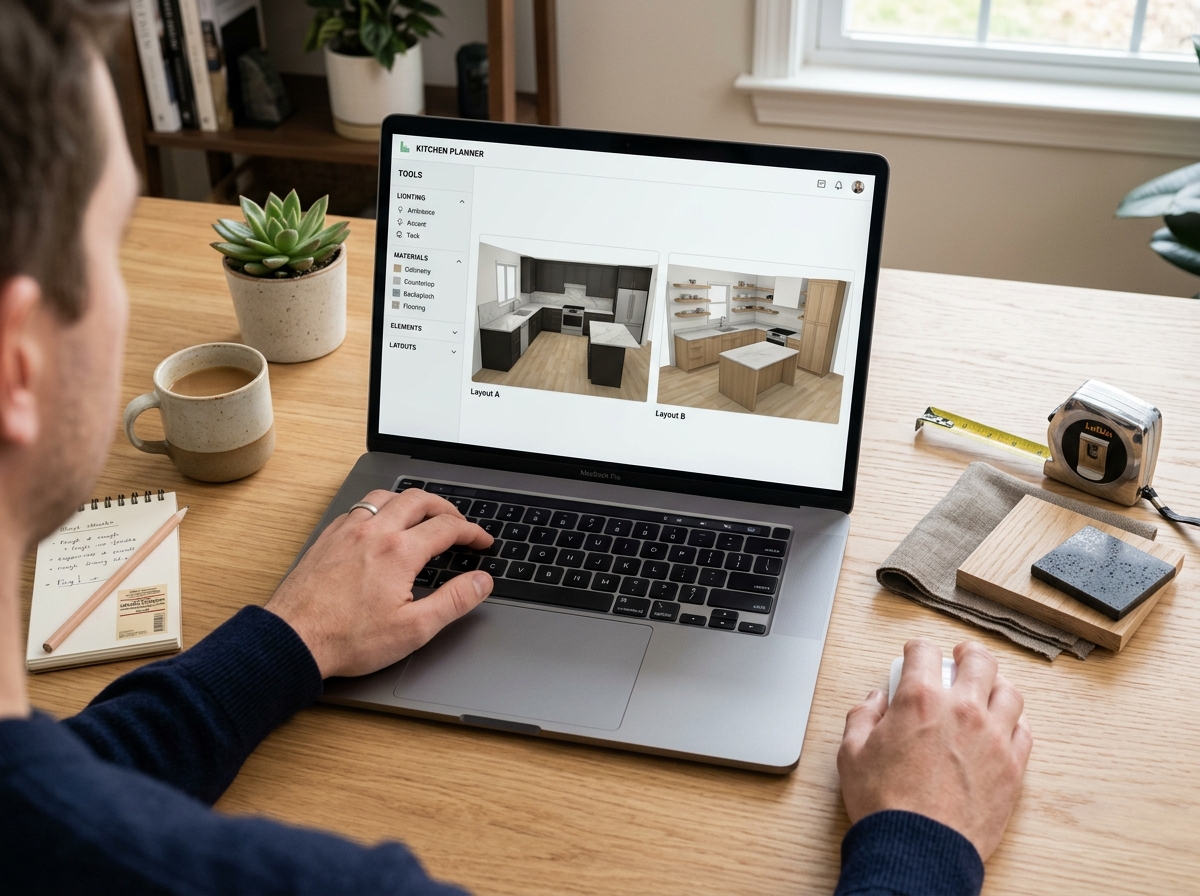
Research from the National Association of the Remodeling Industry (NARI) shows that clear visuals reduce construction changes. Effective tools should support multiple file formats. They should also allow you to upload your own room photos. Avoid platforms that lock you into a system that does not export usable floor plans. If you are looking to update your property's curb appeal, you might also consider an exterior home redesign to match your interior aesthetic.
Top Contenders for 2026
The current market offers several great options. Rendera AI is a top choice. It creates realistic overlays based on your room's shape. This helps you see how new cabinets or wall colors look in your space. For those interested in real estate marketing, reviewing virtual staging before and after results can demonstrate how powerful these tools are for showcasing potential.
Other platforms like Planner 5D or RoomGPT offer different strengths. Some provide drag-and-drop furniture libraries. Others offer quick style-transfer features.
Web-Based vs. App Platforms
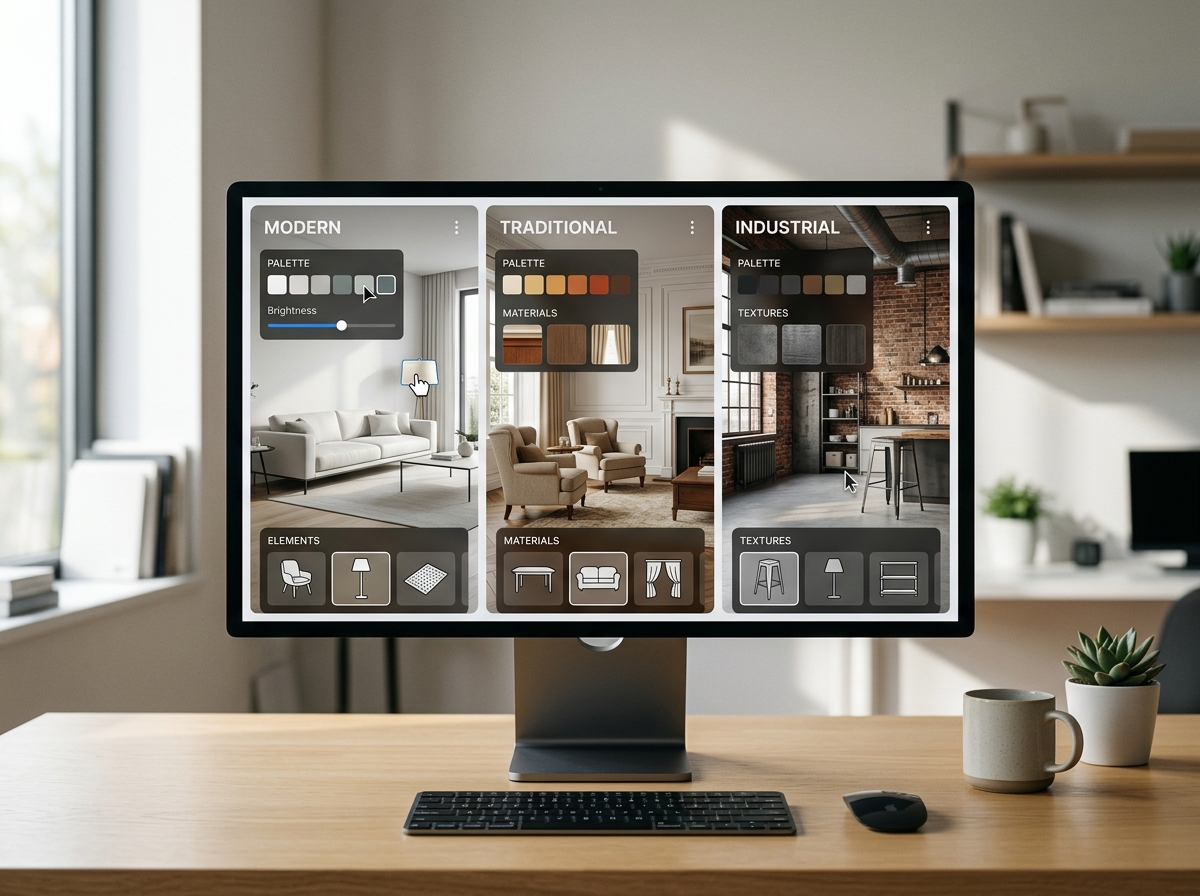
Web-based tools usually offer more processing power. This allows for better lighting calculations and texture mapping. Mobile apps offer convenience for scanning rooms in real-time. However, they often lack the precision needed for detailed design work.
For a serious renovation, use a desktop browser. This ensures you can clearly see the details of your selected materials.
Generative Capability vs. Fixed Catalogs
Some tools use generative AI to create new room layouts. Others rely on fixed libraries of real products from brands like West Elm or Kohler. Generative tools are great for exploring new styles.
Fixed catalogs provide actual sizing data. This is vital for space planning. You must know if a sofa fits before you commit to a floor plan.
Budget Breakdown: Beyond the Free Tier
Many tools offer a free version, but professional results often require a monthly subscription. Understanding cost tiers helps you decide if a free tool is enough. You might need to upgrade to a paid version to access features like architectural CAD exports.
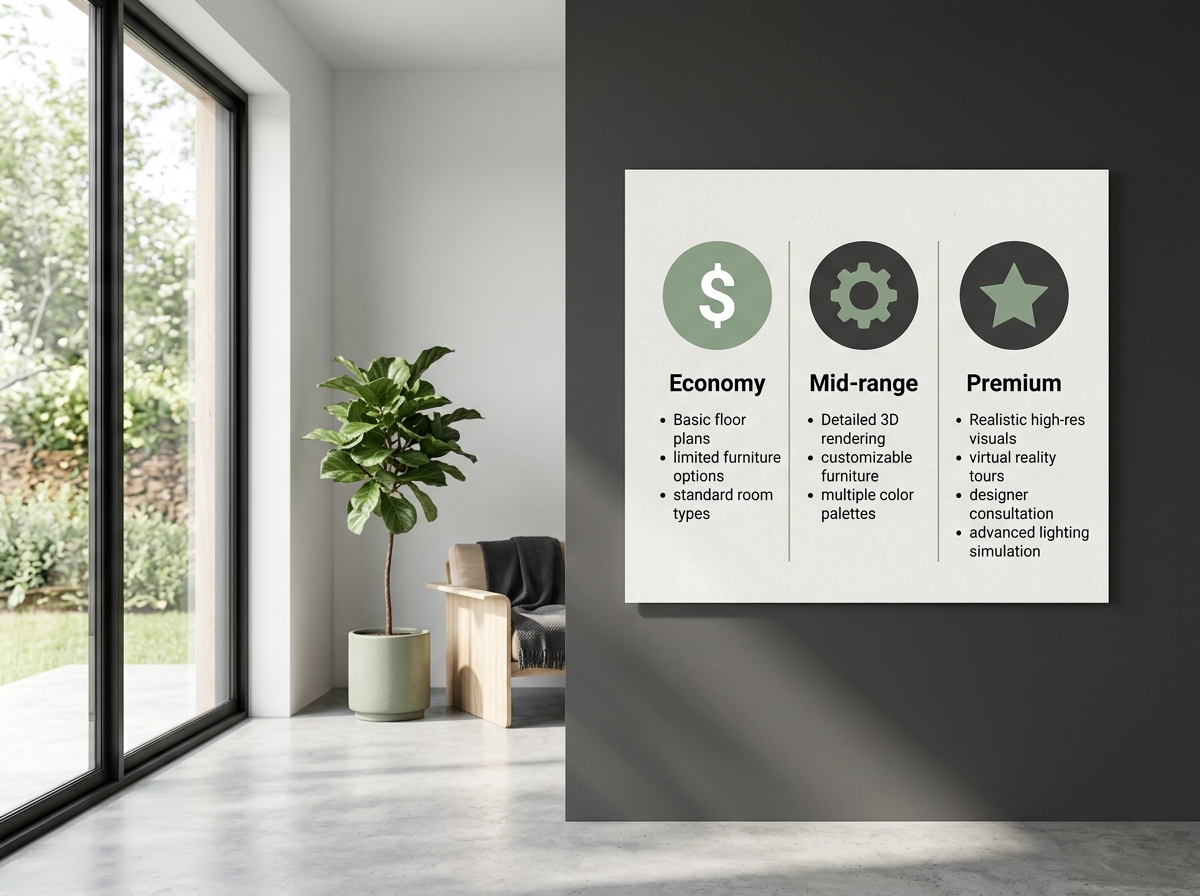
Economy Tier ($0 - $15/month)
At this level, you get basic AI image generation and limited project slots. These tools are perfect for quick mood boards. You can easily test paint colors like "White Dove" or "Hague Blue." Be aware that you will likely see watermarks on your exports.
Mid-Range Tier ($20 - $50/month)
This tier provides high-resolution rendering and professional object libraries. You gain access to precise lighting adjustments. This is crucial if you are choosing between different LED light temperatures. Expect better perspective mapping and faster rendering speeds.
Premium Tier ($60+/month)
Premium platforms often integrate with professional software and offer VR support. This tier is usually unnecessary for most home users. Focus your budget on tools that offer accurate dimensions and high-quality material rendering.
Timeline: From Concept to Construction
Design is a process, not an instant result. Even when using the best free AI interior design tool, spend two to four weeks in the planning phase. Rushing this stage leads to costly mistakes. You want to avoid cabinets that block walkways or poor lighting plans.
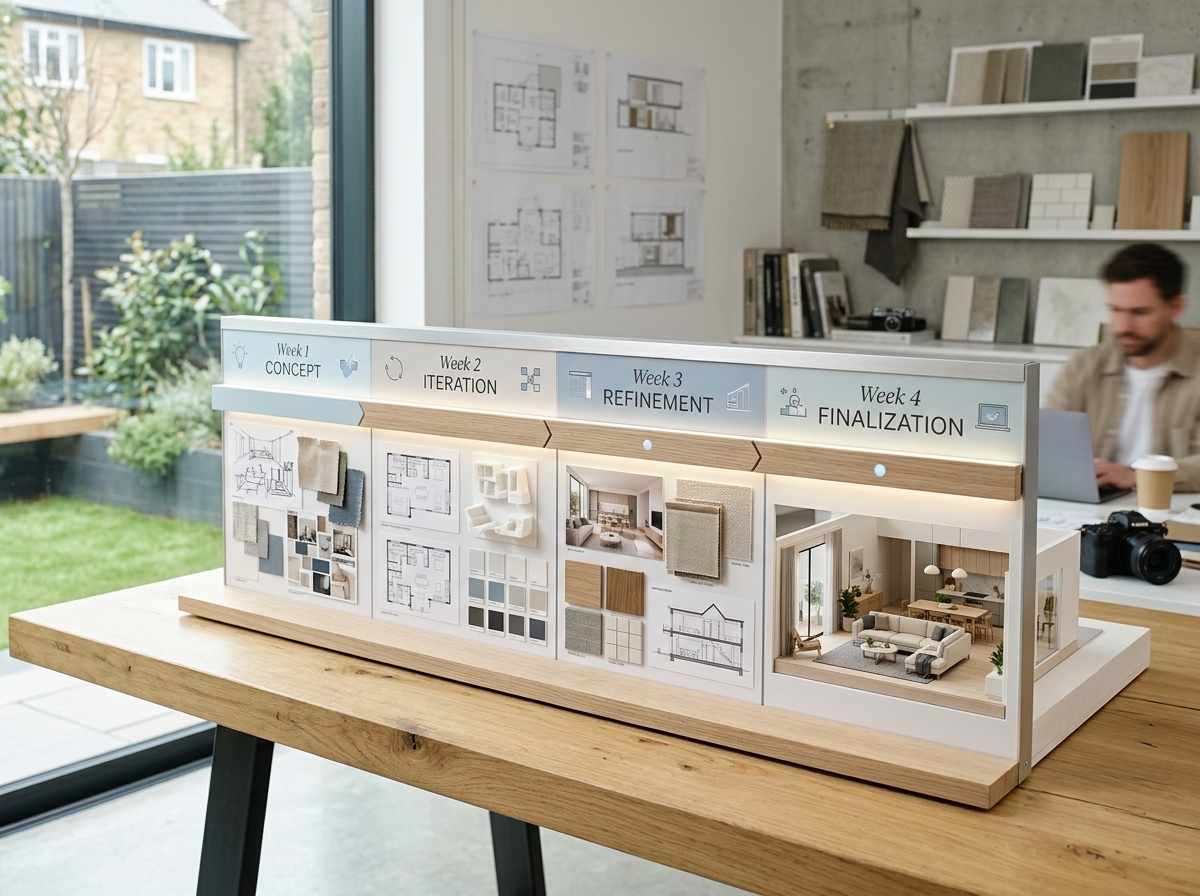
Use the first week to define your scope and gather measurements. Spend the next two weeks testing designs with your AI platform. By the fourth week, you should have a solid plan for your contractor or shopping list.
The American Institute of Architects notes that thorough planning saves money. You can save up to 15% on total costs by avoiding mid-build changes.
Final Thoughts on Digital Planning
Finding the best free AI interior design tool means identifying the one that fits your specific goal. Whether you want a simple paint refresh or a total kitchen renovation, choose wisely. Test at least three platforms to see which interface fits your workflow.
Always check your AI-generated designs against real-world measurements. This ensures your final plan is both functional and beautiful.
The Rendera Team
We're designers, developers, and home improvement enthusiasts building AI tools to help you visualize your dream space.
Learn more about RenderaSee What Your Space Could Look Like
Upload a photo and get AI-powered design ideas in seconds. Free to try.
Try Rendera FreeRelated Articles
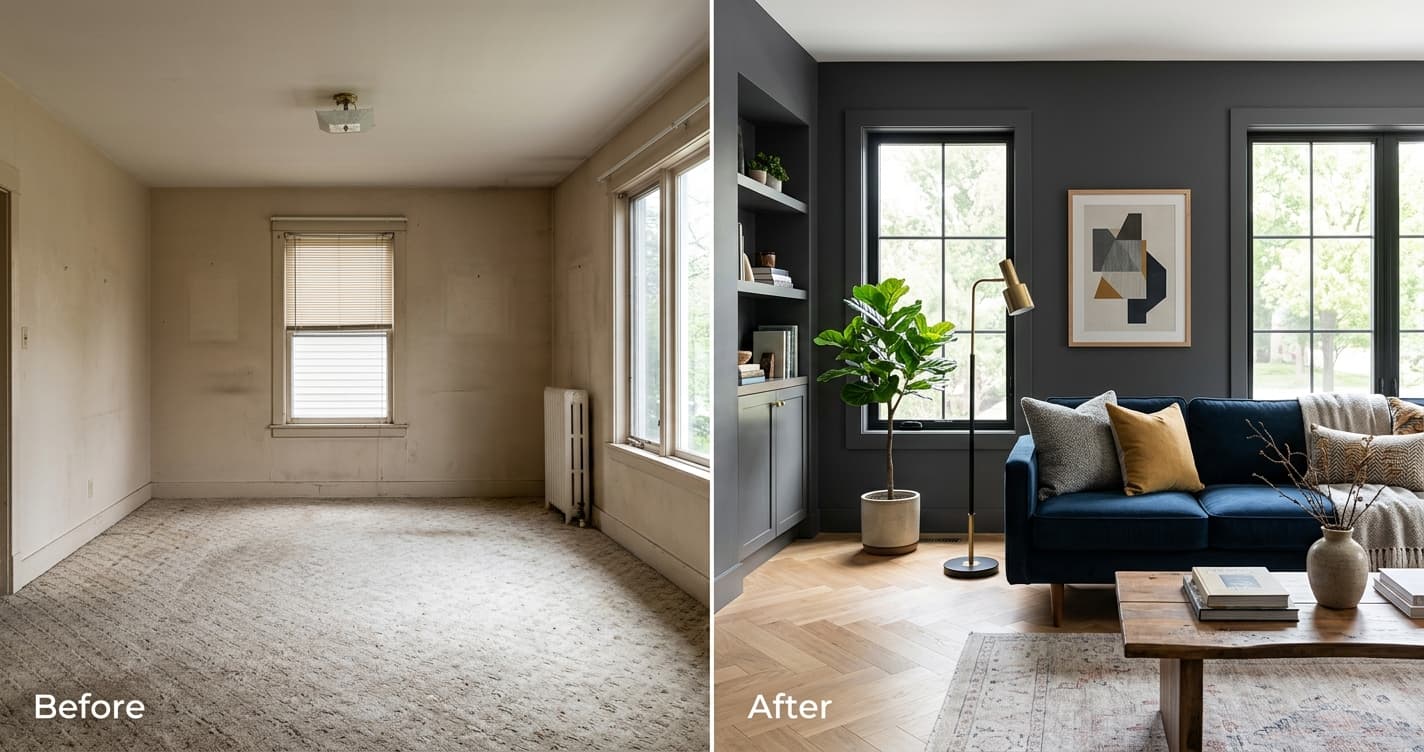
What Is the Best Free AI Interior Design Tool? 2026 Guide
We analyze current AI-driven design platforms to determine which free tools offer the most utility for homeowners planning a home update.
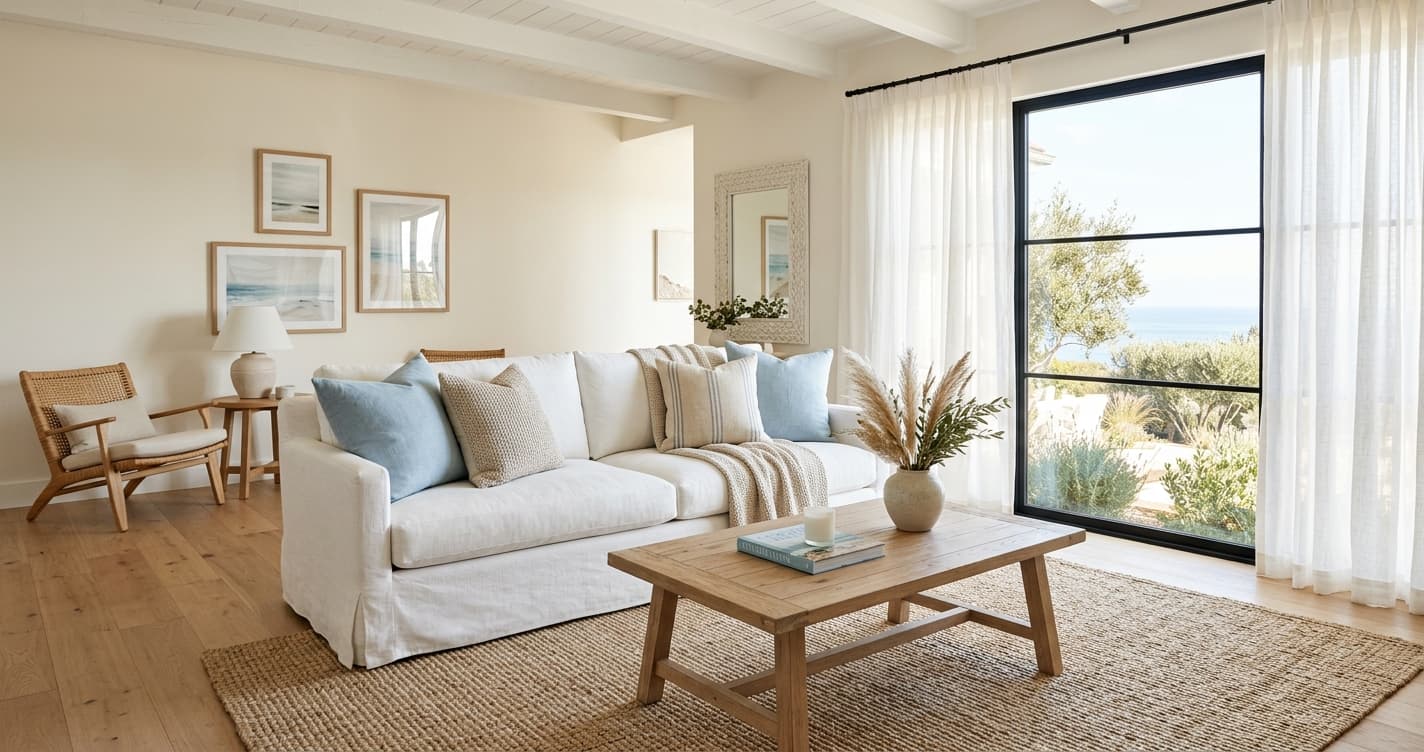
Coastal Interior Design Guide: A Fresh Take for 2026
Forget seashells and anchors. Modern coastal interior design is about light, texture, and a relaxed feel. We'll show you how to get the look right, from color palettes to furniture choices.
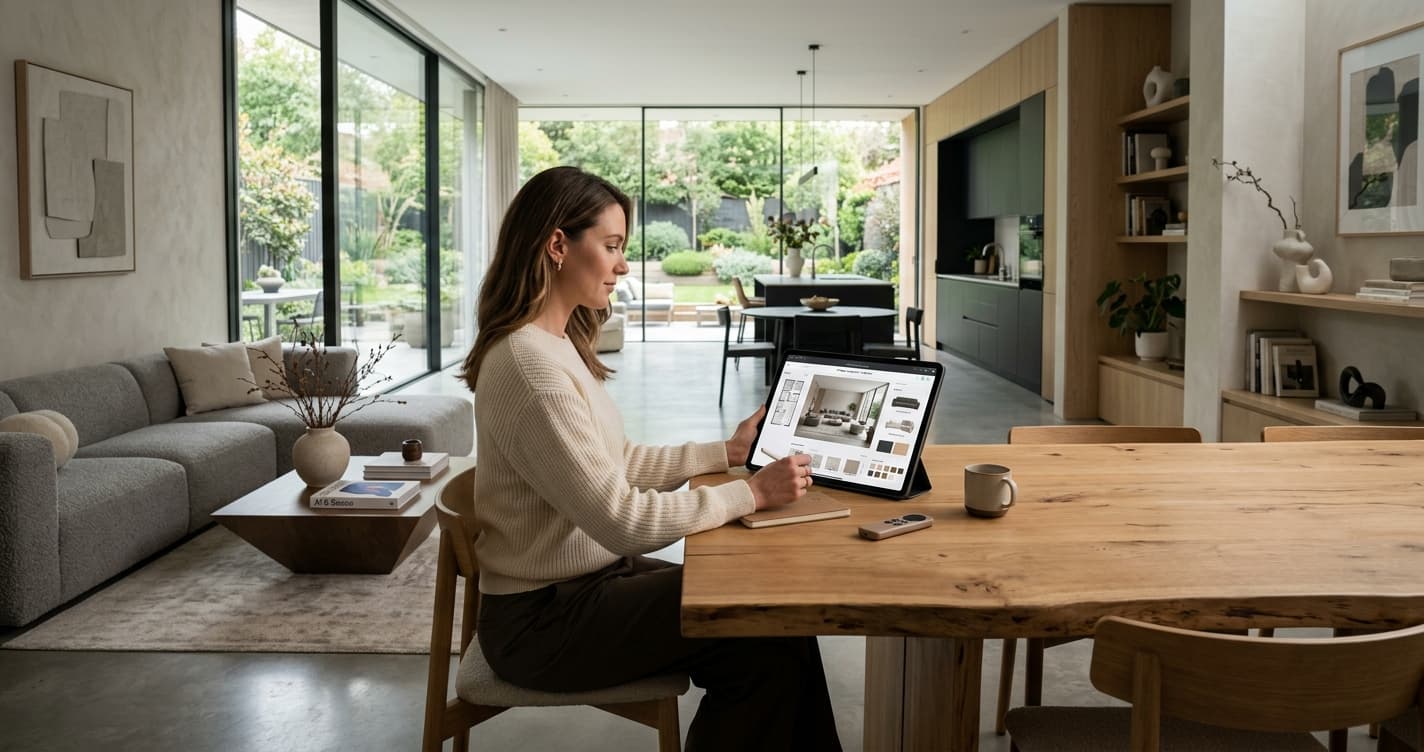
How to Use AI for Interior Design: A 2026 Guide
Ready to rethink your space? Using AI to visualize home design changes is a practical way to avoid costly mistakes before you pick up a paintbrush.